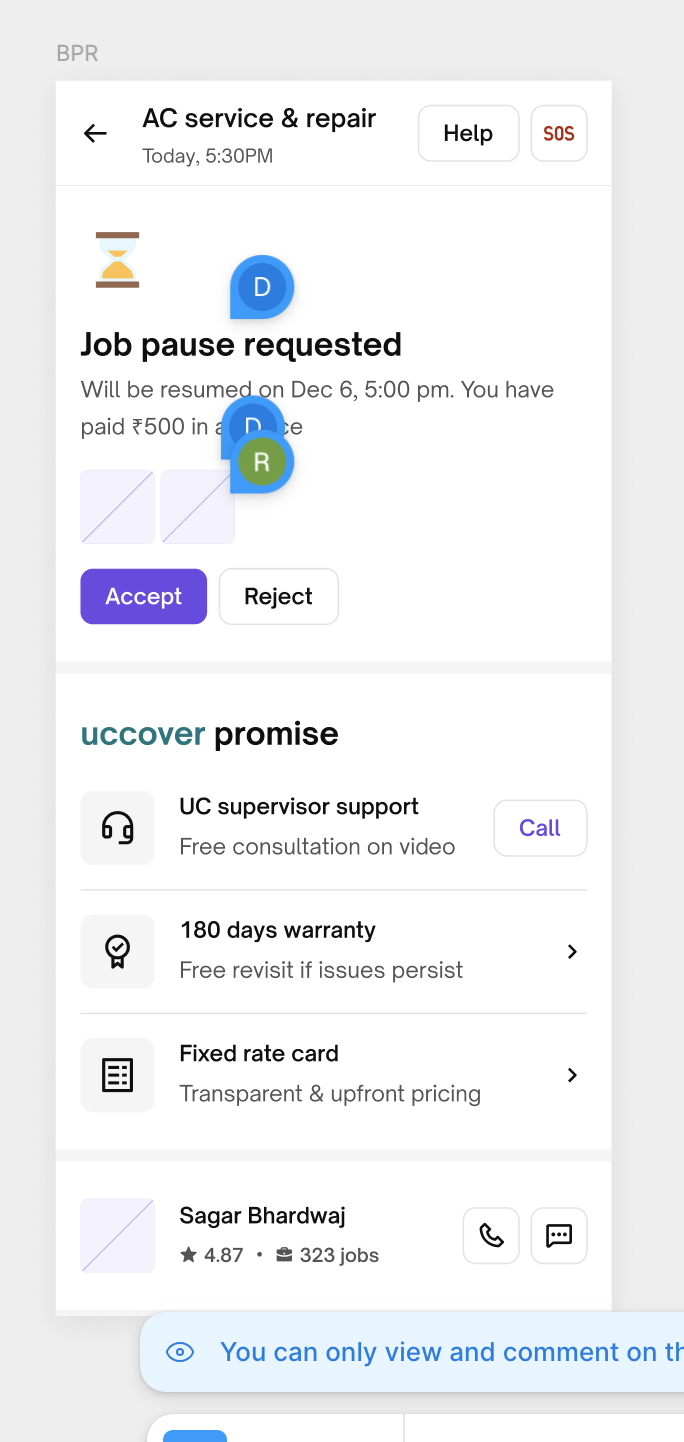
Unable to Pause job/ How to pause job
Detailed JOB Pause Process:
| Pause Stage | Condition | Partner Action Required | Customer Involvement | System Behavior | Notes/Updates |
|---|---|---|---|---|---|
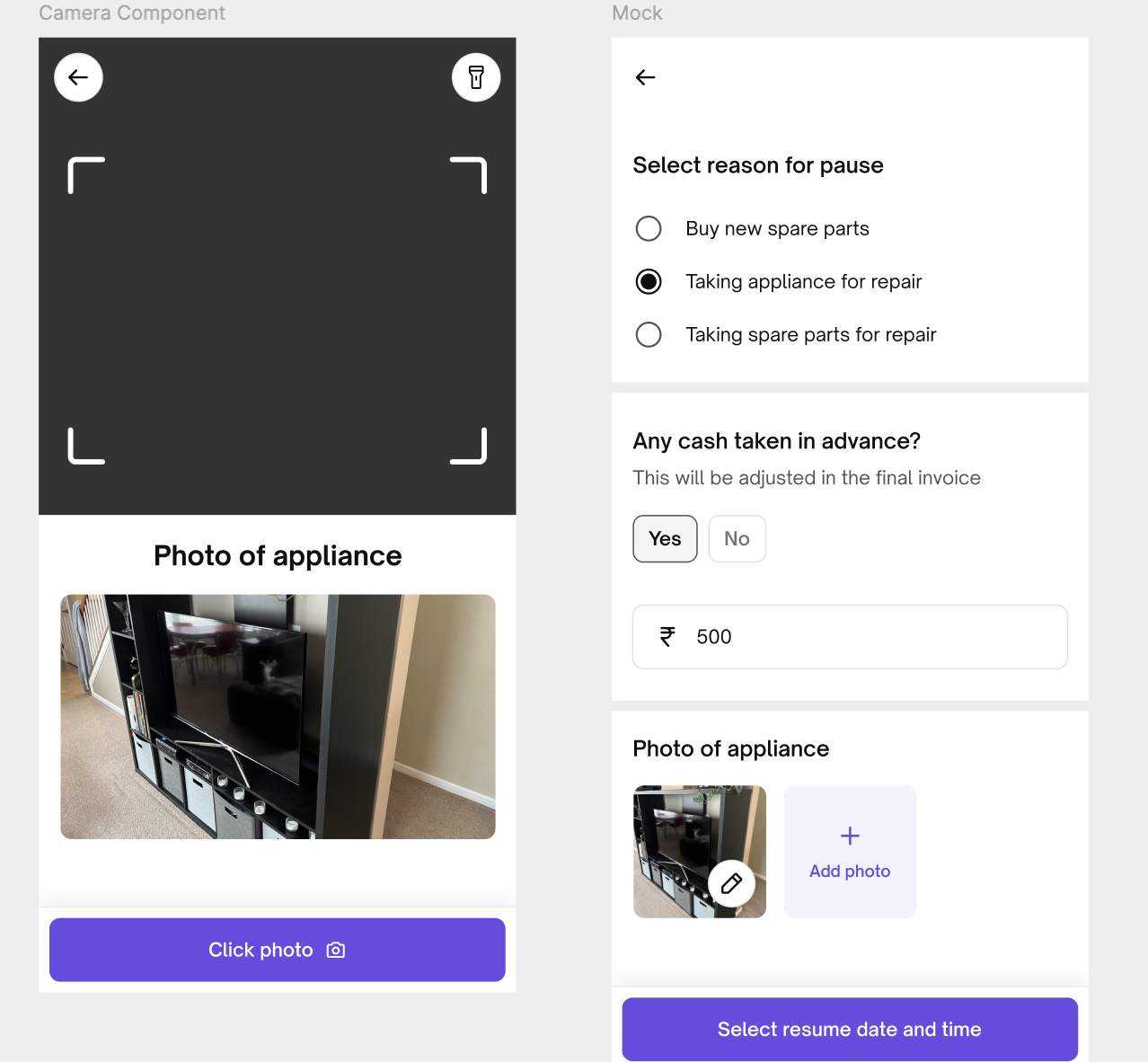
| 1st Pause | At customer's place on booking date (BDate) | - Submit photo of appliance/spare part being taken for repair | - Handshake required (customer confirmation via app) | - Pause request auto-accepted if no customer action within 10 mins | - Photo serves as proof for any future appliance damage disputes |
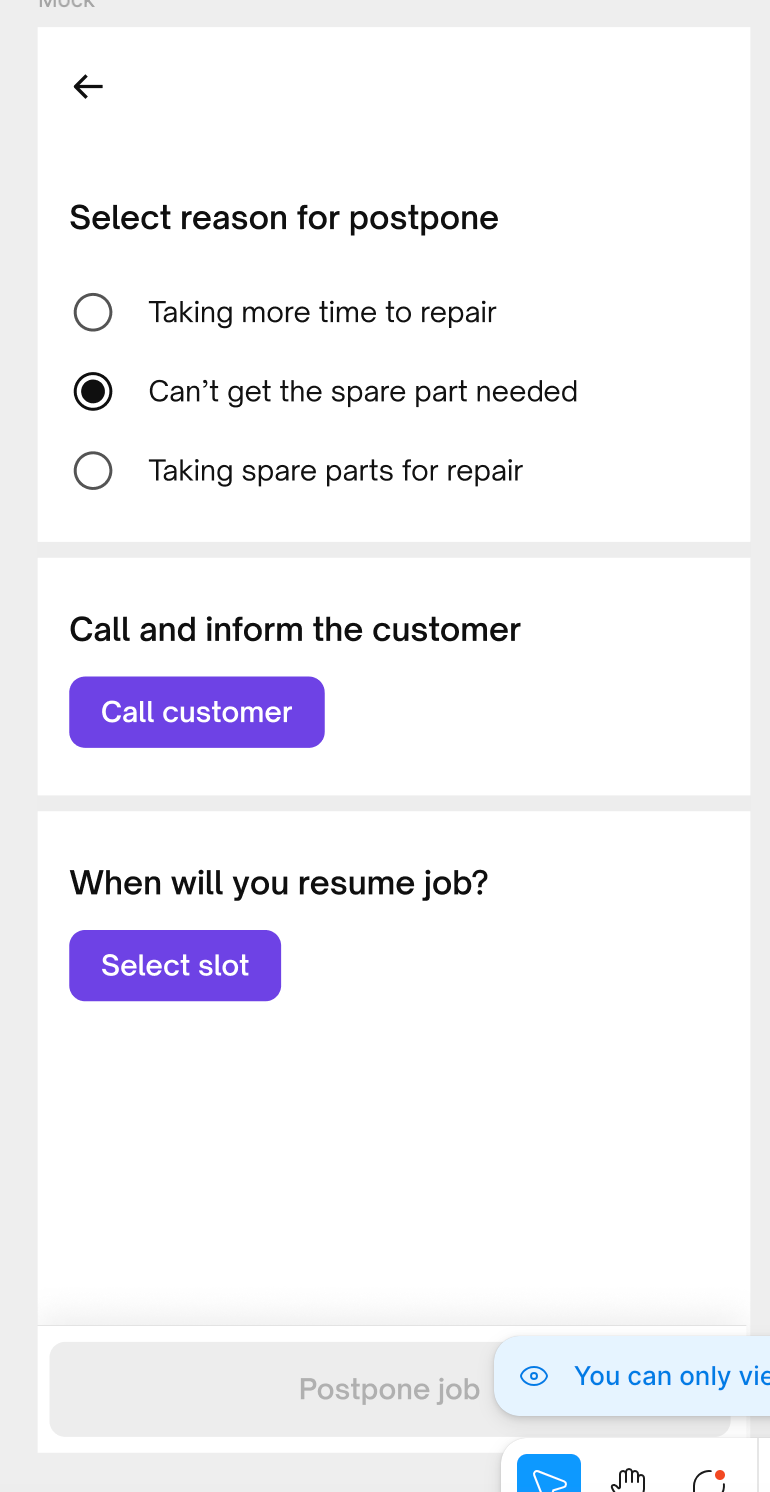
| 2nd Pause | Partner resumes/skips on committed date (if not completed) | - Option to resume/skip available for 24 hrs- If not resumed, partner must repause job | - Handshake required | - Auto-accept after 10 mins if customer doesn’t respond | - Partner must call customer before updating new committed date- In case customer is DNP for 30s or cuts the call. Partner can pause |
| 3rd Time | Partner resumes/skips on 2nd committed date (if still not completed) | - Option to resume/skip available for 24 hrs- If not resumed, job must be mandatorily ended to start new jobs | - Handshake required | - Auto-accept after 10 mins if no customer action | - System blocks new job initiation unless existing job is ended post job skip time is over |
use this query to check the number of times a request has been paused in case you get escalations that partner is not able to pause more than once. Relevant columns
date_paused_first_time_ist- the first date that the job was pauseddate_paused_last_ist- most recent pause dateresumption_date_slot1_gmt- date and time slot the partner had said he would finish the job on the most recent date he paused it (Add 5hrs 30 mins to it for time in IST)pausecount- number of times the job has been paused till date. You can search the request id in the search bar
Important Note :
- Job can be paused once customer accepts the estimate.
- Partner can mark cash advance only upto Rs 2500
- Partner can pause job for 7 days max on each pause.
Customer will get below mentioned Message